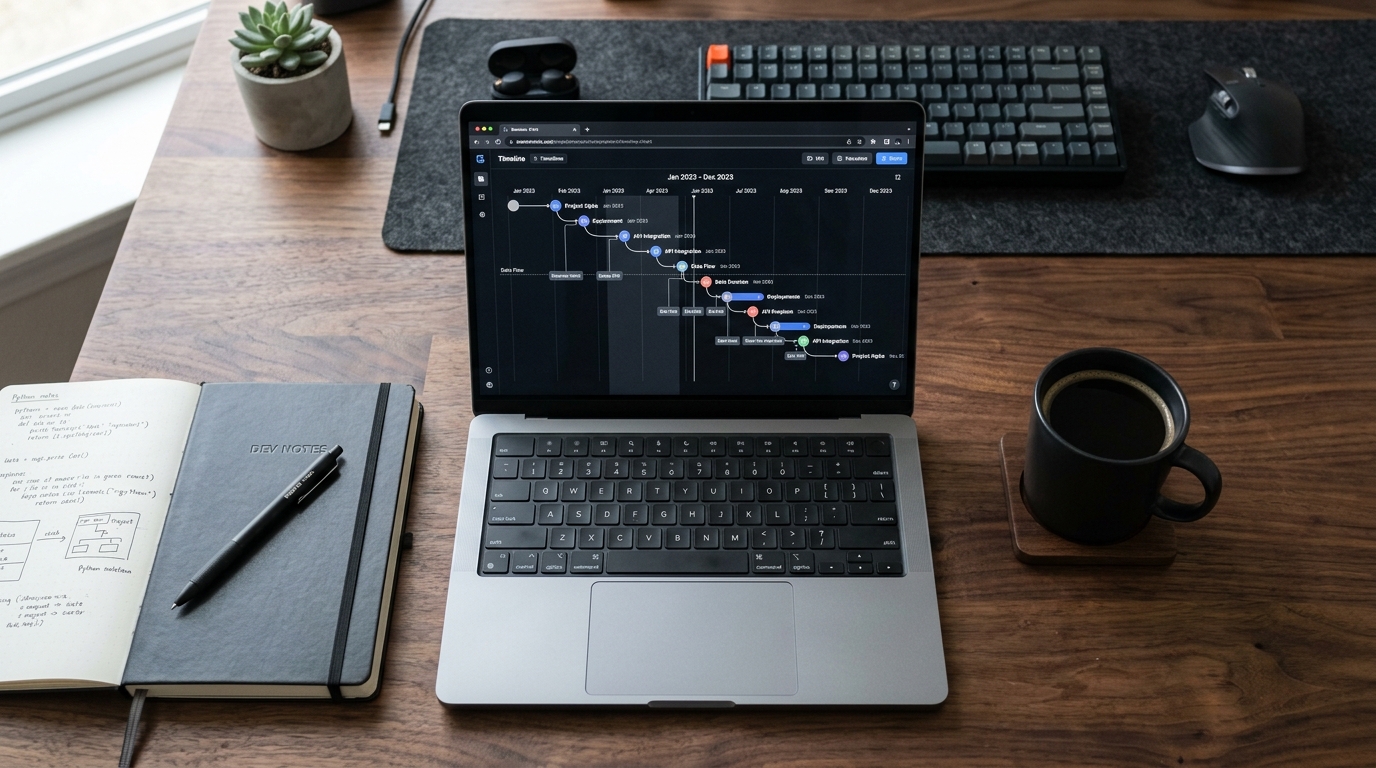
Late last month, while monitoring the data processing pipelines for our messaging analytics infrastructure, I noticed a recurring bottleneck. Users were frequently uploading five-year-long conversation exports—sometimes exceeding 40 megabytes of raw text—and attempting to push them directly through standard application programming interfaces. The result was almost always a timeout or a heavily distorted response that missed the nuance of their relationships. It became entirely clear that raw, unstructured processing simply fails when applied to massive personal histories. This observation led directly to our implementation of Timeline Milestone Extraction.
Timeline Milestone Extraction is a specialized data processing architecture that segments massive, multi-year messaging exports into distinct chronological eras before routing them to language models, preventing the context collapse common in generic prompt interfaces. Rather than treating a four-year friendship as a single block of text, this feature identifies shifts in communication frequency, vocabulary, and response times to build a structured narrative.
1. Recognize the Limitations of Unstructured Text
When dealing with vast amounts of personal text, general-purpose models often struggle to maintain coherence. A 2024 analysis of enterprise data trends highlighted this exact problem: while expectations for AI-driven growth remain high, the reality is that unstructured data often yields low ROI because models lose the 'thread' of the conversation. The same principle applies to personal data analysis. If you paste 50,000 messages into a generic prompt window, the return on your effort will be exceptionally low. The system will likely output a bland, generalized summary that fails to capture the actual dynamics of the relationship.
Many people try to bypass these context limits by typing their raw text directly into standard interfaces. Our server logs show countless failed attempts where users try to use general tools for highly specific data parsing tasks. As I have discussed with my engineering team, feeding years of raw data into standard open artificial intelligence models without a pre-processing layer almost guarantees context fragmentation and loss of chronological integrity.
2. Export Your Conversation Data Cleanly
Before any meaningful analysis can occur, the raw data must be sourced securely and cleanly. The method of extraction significantly impacts the quality of the timeline parsing.
- Use official clients only: Always pull your export directly from the native whatsapp messenger application or execute a secure whatsapp business download if you are analyzing client communications.
- Avoid third-party mods: We strongly advise against using unofficial clients or searching for a gb whatsapp download. Apps like gb whatsapp often alter the timestamps and break native end-to-end encryption, resulting in corrupted formatting that our extraction engine cannot accurately map.
- Desktop vs. Mobile: While you can interact with whatsapp web for daily use, massive multi-year exports are often best generated natively on your mobile device to ensure media attachments and system messages are properly omitted from the text log.

3. Apply the Timeline Milestone Strategy
Once you have a clean text export, you need a system designed specifically for sequential parsing. According to recent mobile app infrastructure reports, artificial intelligence has officially transitioned from a strategic tool to fundamental infrastructure. In the context of Dynapps LTD and our specific focus on data utility, this means moving away from simple bot interactions and moving toward automated, infrastructure-level processing.
If you want to track how a relationship evolved from college to your first jobs, Wrapped AI Chat Analysis Recap's Timeline Milestone Extraction is designed for that exact outcome. Instead of passing the entire file to an ai chatbot at once, the app locally scans the timestamps. It breaks the data into chunks—perhaps identifying a highly active three-month period in 2024, followed by a quiet phase, and then a resurgence in 2025. It processes these chunks individually, preserving the chronological context before assembling the final narrative.
4. Analyze User Intent and Specialized Processing
Understanding how different users approach their data reveals why specialized processing is necessary. Industry reports indicate that mobile app design is shifting toward analyzing long-term user behaviors to optimize for lifetime value. We see this directly mirrored in how users analyze their personal communication.
When we examine global search intents, the divide becomes clear. While many users search for a standard ai chat to manually query their texts, there is a growing demand for a specialized application that functions as a tool for fun summaries and deep analyses. Rather than manual prompting, users increasingly prefer to achieve this by uploading WhatsApp chat history directly into a purpose-built engine that handles the heavy lifting of data organization automatically.
5. Review the Segmented Insights for Accuracy
After the pipeline processes your export, the final step is to review the structured output. Because the system processed the file chronologically, you should see distinct phases rather than a flat, aggregated summary.
- Check the inflection points: Did the system accurately identify the month you moved to a new city based on the sudden shift in communication times?
- Verify the emotional arc: A generic prompt might average out the mood of a four-year chat to "neutral." A segmented timeline will correctly identify a stressful winter followed by a highly positive, active spring.

Practical Q&A: Chat Export Processing
Why does my chat export file size cause generic interfaces to crash?
Standard interfaces rely on a fixed token limit (the maximum amount of text they can "remember" at one time). A multi-year export easily exceeds this limit, causing the interface to either reject the input entirely or "forget" the beginning of the document.
Is my data safe when using a specialized extraction tool?
When evaluating an app, verify that the extraction and structuring happen through secure, ephemeral processing rather than training databases. As a developer focused on mobile security, I recommend tools built specifically for privacy that parse the text for milestones without storing the raw messages permanently.
Can I process group chats using milestone extraction?
Yes. In fact, segmented processing is particularly effective for group chats because it can identify distinct eras—such as event planning phases, periods of dormancy, and shifts in which group members were most active during specific years.