
A few months ago, a friend asked me why his browser crashed every time he tried to analyze his five-year relationship history. He had exported a massive .txt file from his messaging app and was trying to paste 50,000 lines of text directly into a standard web prompt. As a backend developer who builds cloud-based communication services, I explained that he was essentially trying to force a firehose through a garden hose. The front-end froze, the context window collapsed, and his data was lost during the process.
Analyzing your chat history involves extracting raw text from messaging platforms and using specialized computing frameworks to identify emotional trends, inside jokes, and communication patterns. Doing this correctly requires understanding how data moves from your phone to a processing engine without hitting technical bottlenecks.
We are generating more conversational data than ever before. According to the Mobile App Trends report by Adjust, global mobile sessions continue to rise, driving significant consumer spending in the app ecosystem. As our digital history expands, we naturally want to make sense of the millions of words we type. Here is a step-by-step methodology to safely and effectively extract and analyze your messaging data.
Step 1: Export Your Raw Chat Data Correctly
Before any analysis can happen, you need the raw data. Most platforms make this relatively straightforward, but the file formats and encoding can cause issues if not handled correctly.
If you are using WhatsApp, you can navigate to the specific conversation, access the settings, and select the export option. This generates a ZIP file containing a chronological .txt document. This process is consistent whether you are using the standard mobile app or managing conversations on WhatsApp Web. While some users look for advanced features via alternative clients or business versions, the goal remains the same: securing a clean, raw text file for processing.
- Tip: Always export without media. Photos and videos will bloat your file size exponentially and cannot be parsed by text-based processing engines.
- Tip: Check the encoding. Ensure the file is saved in UTF-8 format so that emojis, special characters, and regional alphabets are preserved.

Step 2: Choose Between General Chatbots and Specialized Architectures
This is where most people make a critical error. It is a common scenario: someone secures their export file and immediately tries to paste it into a general-purpose AI chatbot like ChatGPT or Gemini. While these tools are excellent for conversation, they are not built for massive data ingestion.
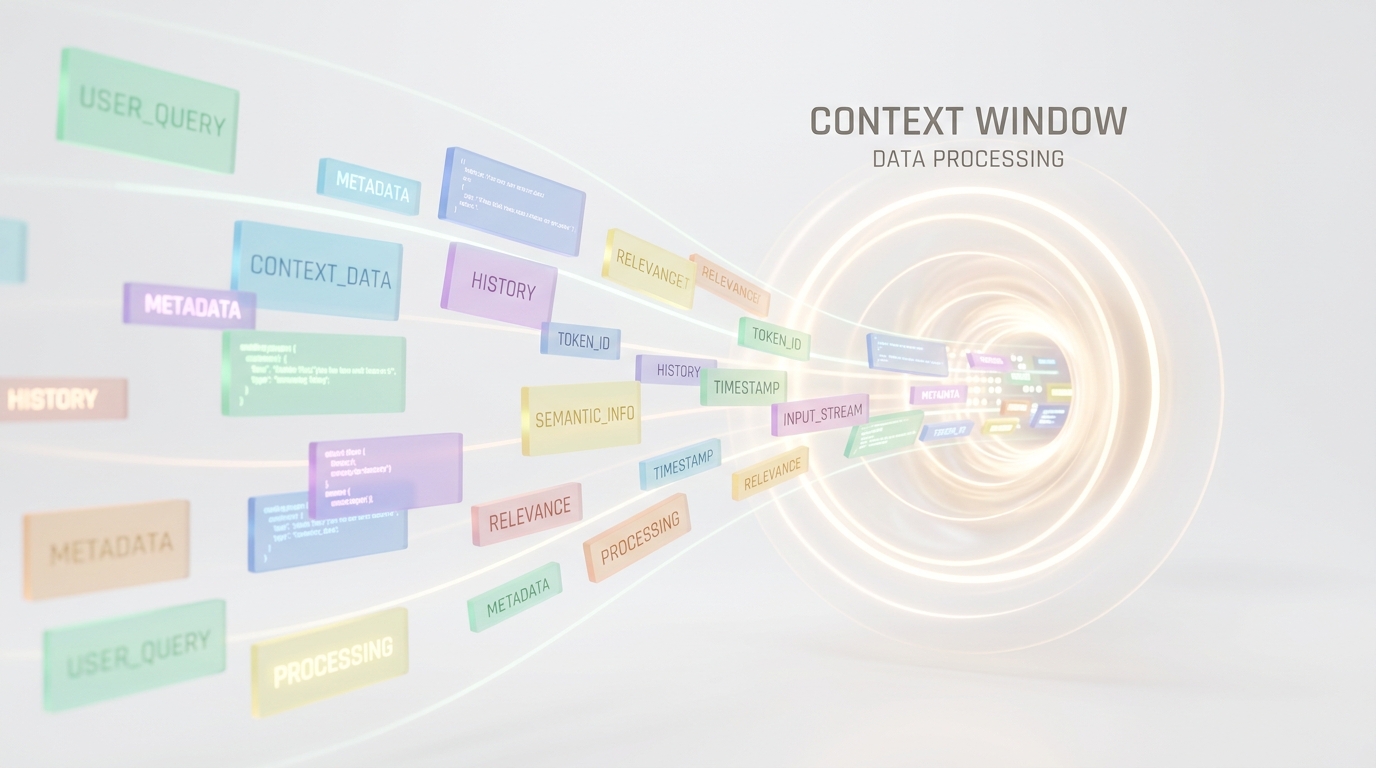
When you attempt to feed months of daily messages into a standard artificial intelligence chat interface, you hit architectural walls. General AI chat models rely on context windows—a limit on how many tokens (words or fragments) they can process at once. If your file exceeds this limit, the model simply "forgets" the beginning of the conversation.
Furthermore, heavy processing in a standard web interface leads to poor user experiences. Tech analysis of mobile behavior highlights that users quickly abandon applications that feel sluggish. Pasting megabytes of text into a simple text box is a recipe for browser instability and incomplete analysis.
Step 3: Use Specialized Tools to Bypass the Context Window Trap
Instead of relying on a blank prompt window, you need an architecture designed specifically for sequential data ingestion. Specialized apps handle the heavy lifting on the backend, bypassing the UI freezing and memory issues that plague generic platforms.
When selecting a processing method, evaluate these three criteria:
- Data Segmentation: Does the system break your large file into digestible chunks automatically?
- Privacy Architecture: Is the data processed ephemerally, ensuring your private messages are not used to train future models?
- Output Formatting: Does it return a flat wall of text, or does it structure the data into visual, readable insights?
If you want an accurate, entertaining breakdown of your relationship dynamics without the frustration of manual prompt engineering, the Wrapped AI Chat Analysis Recap parsing engine is designed exactly for that. It operates as a dedicated tool that processes your uploaded file in the background, applying sentiment analysis to generate a rich, structured summary.
Step 4: Review the Behavioral Insights
Once the processing is complete, the final step is reviewing the generated insights. A proper analysis does more than count words. It maps the emotional arc of your relationship, identifies peak communication hours, highlights your most frequently used inside jokes, and tracks how your conversational dynamic has shifted over time.
Because backend infrastructure has evolved rapidly, the outputs are no longer robotic. They read like a well-crafted narrative of your digital interactions, made possible by the same technologies that power the broader mobile app ecosystem.
Audience Clarity: Who Benefits from Chat Processing?
To ensure you are using the right approach, it helps to understand who this specific workflow serves best:
- Friends and Couples: Perfect for generating nostalgic summaries of long-term relationships and mapping out favorite shared topics.
- Freelancers: Useful for extracting key decisions or project timelines buried in months of casual messaging.
- Note: This process is not intended for enterprise legal compliance, which requires certified data extraction tools rather than narrative analysis.
Managing large exports does not have to end in frozen browsers. By treating your messaging history as a structured dataset, you can move away from generic chatbots and utilize architectures that respect the size and privacy of your personal communication.