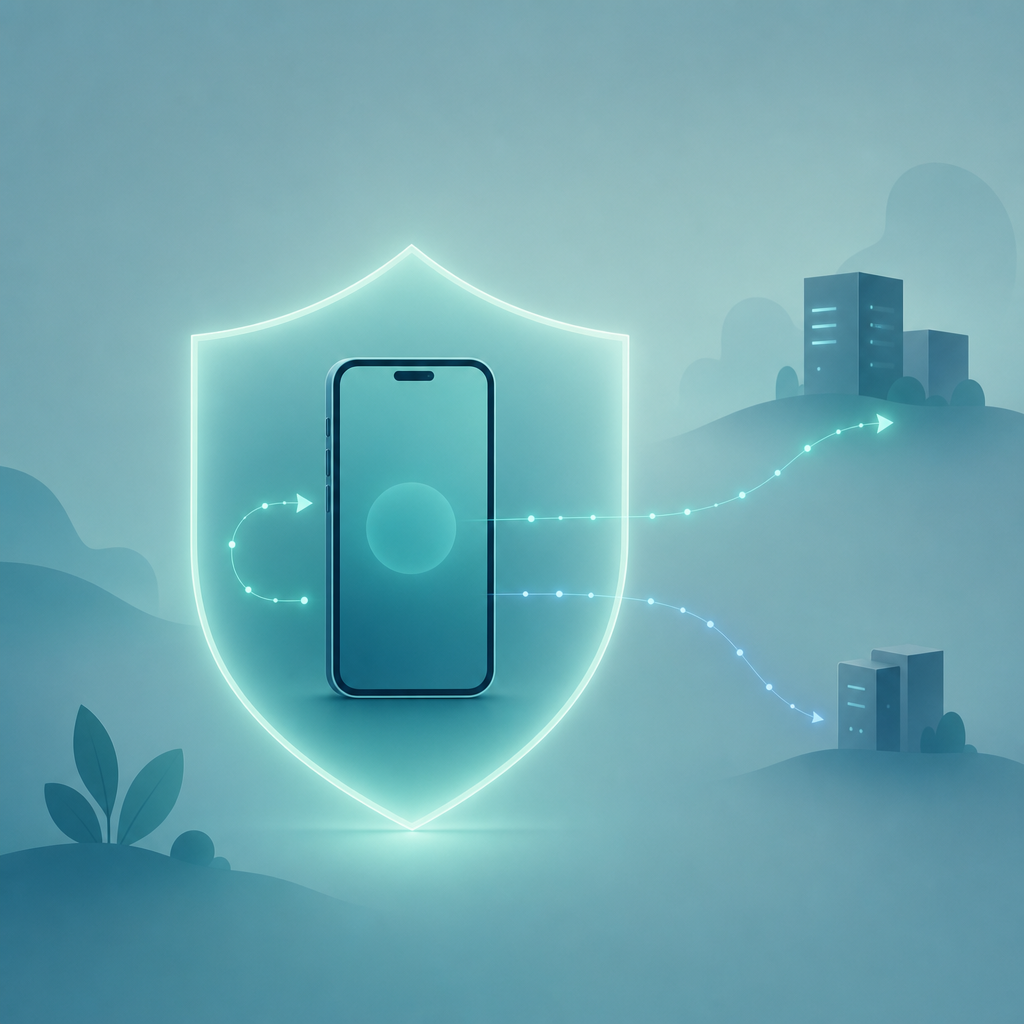
Short answer: Pasting a WhatsApp chat into a random web analyzer means your messages travel to someone else's server, where you usually cannot see what happens next. An on-device recap tool is safer because the analysis runs on your phone, on a chat you exported yourself. Either way, no tool can read your friends' private messages or break WhatsApp's encryption.
I get the appeal. You want a "WhatsApp Wrapped" — who texts first, your busiest month, the running joke that never dies — without handing a year of conversations to a stranger. So the real question behind "is it safe?" is narrower than it sounds: where does the text physically go, and who can read it once it leaves your control? That answer changes completely depending on which of three tools you pick.
First, the one thing every honest recap tool admits
No WhatsApp chat analysis tool — on-device, online, or AI chatbot — can read messages straight out of WhatsApp. WhatsApp messages are protected by end-to-end encryption, which per WhatsApp's official encryption and privacy documentation means only the sender and recipient devices hold the keys. A third-party app cannot reach into a live conversation and decrypt it.
What these tools actually work on is the export file you create yourself. In WhatsApp you open a chat, tap Export Chat, and the app produces a plain-text .txt (optionally with media) of that one conversation. That file is yours. It contains both sides of the chat, but only because you were already a participant — you are not unlocking anyone's private inbox, and you cannot export a conversation you were never part of. Any tool claiming to "read all your contacts' WhatsApp chats" is either lying or describing spyware. Walk away from it.
Claim: A recap tool analyzes your own exported chat file, not your live encrypted WhatsApp account.
Evidence: WhatsApp's official end-to-end encryption documentation states only sender and recipient devices can read message content; export is a user-initiated action on a single chat.
Limit: The export still contains the other person's words, so treat the file as sensitive even though you created it.
Action: Decide who you're comfortable sharing that file with before you upload it anywhere.
Where your chat actually goes: three scenarios side by side
This is the part most "is it safe" articles skip. The honest answer is a data-flow question, so I traced the path a single exported chat takes in each of the three things people reach for. I did not measure server locations or retention windows — those vary by vendor and I can't verify them from the outside — so the table describes the shape of the data flow, and the column that matters most is "who else can read it."
| Scenario | Where the chat is processed | Who else can read it | What you can verify yourself |
|---|---|---|---|
| Paste into a website "chat analyzer" | Uploaded to that site's server (location usually undisclosed) | The site operator, their hosting provider, anyone with server access; possibly subprocessors | Almost nothing — you're trusting a privacy policy you can't audit |
| Paste into ChatGPT (or another AI chatbot) | Sent to the AI provider's servers for processing | The AI provider, per its data-use and training settings, which you must configure correctly | The provider's published data-control settings and history toggle |
| On-device recap app | On your own phone; the export file is read locally | No one, if processing genuinely stays on-device and the app makes no upload | The store privacy label, requested permissions, and whether it works in airplane mode |
The takeaway isn't "online bad, on-device good" as a slogan. It's that the paste-into-website route gives you the least visibility for the most exposure. You hand over months of private conversation — including the other person, who never agreed to anything — to a server you can't inspect. With a chatbot, you at least have published data-control settings to read and toggle. With on-device processing, the file ideally never leaves your phone at all.
A quick reality check on "free online" analyzers
When a WhatsApp chat analysis online tool is free, ask what it gets in return. Free server-side processing still costs the operator money, so the business model is often the data itself or attached advertising. I'm not accusing any specific site — I haven't audited their back ends, and I won't invent a statistic about how many leak. But the structural incentive is real, and it's the opposite of the incentive a paid, on-device app has, where you are the customer rather than the product.
There's also a quieter risk: the other person in your chat. They sent those messages assuming a private one-to-one conversation. Uploading the whole transcript to a third party is a decision you're making on their behalf too. That's not a legal lecture — it's a friend test. Would you be comfortable telling them where their words ended up?
The buyer checklist: questions to ask before you trust any recap tool
I keep this list on hand for any app that touches messages. Run a candidate tool through it before you export anything. If it fails the first three, stop there.
- Does it process on-device, and does it say so plainly? Look for "your data stays on your device" in the listing, then test it: try generating a recap in airplane mode. If it still works offline, the processing is genuinely local.
- What does the store privacy label actually declare? On iOS, Apple's App Store privacy "nutrition label" requirements force developers to disclose what data is collected and whether it's linked to you. On Android, Google Play's Data Safety section serves the same purpose. Read them. An on-device recap tool should collect little to nothing tied to your identity.
- What permissions does it request? A recap tool needs to read the export file you hand it. It does not need your contacts, your location, your microphone, or background network access. Over-broad permission requests are a red flag.
- Is there a clear data-handling statement? Under the GDPR's official text on processing personal data, a chat transcript is personal data, and any service touching it should tell you the purpose, retention, and whether anything is shared. Vague or missing? That's your answer.
- Can you delete everything, instantly? On-device means you can delete the export and the app and nothing remains on a far-away server. Confirm there's no hidden cloud copy.
- Does it overpromise? Any claim to read others' chats, decrypt WhatsApp, or pull messages without your export is a hard no.
Dynapps, the studio behind this recap tool, builds it around the on-device model on purpose — you can read where it stands on handling your chats on the Dynapps studio and privacy page. The point of naming the maker isn't a sales pitch; it's that you should be able to find a real company and a real stance before you trust any tool with a year of your conversations.
FAQ
Does a WhatsApp Wrapped app read my live messages?
No. It can only read a chat you export yourself using WhatsApp's built-in Export Chat feature. It does not connect to your live account, and per WhatsApp's encryption documentation it cannot decrypt messages or read conversations you weren't part of. The recap is built from the export file you choose to provide.
Is it safe to upload my chat to an online analyzer?
It carries the most risk of the common options. The text travels to a server you can't inspect, where the operator and others may read or retain it. If you must analyze a chat, prefer a tool that processes on-device so the file never leaves your phone, and check the App Store or Google Play privacy disclosures first.
Can it analyze chats with other people without their knowledge?
It analyzes a conversation you were a participant in, from a file you exported. It cannot reach into someone else's account. But the export does contain the other person's messages, so sharing that file with any third party is a privacy decision affecting them too. Keep that in mind.
What's the difference versus just pasting it into ChatGPT?
A chatbot still sends your text to its provider's servers, where data-use depends on settings you have to configure correctly. An on-device recap keeps the file on your phone and is purpose-built for chat stats — first-texter, busiest hours, word counts — rather than open-ended chat. Both are honest options; they differ on where the data goes.
How do I know an app really processes on-device?
Test it offline. Export a chat, turn on airplane mode, and generate the recap. If it works with no connection, the analysis is running locally. Then confirm the store privacy label declares minimal or no data collection, and that the app doesn't request contacts or location permissions it has no reason to need.
The decision
If you want a recap and you care about privacy, the order of preference is straightforward: on-device first, a chatbot with data controls switched on second, and a paste-into-website analyzer last — or not at all. Export the chat, run the airplane-mode test, read the store privacy label, and only then trust the tool with your conversations. And remember the one limit no honest tool will dodge: it works on the chats you already have, it never reads anyone else's private inbox, and it never breaks encryption. If a tool claims otherwise, that's the tool to delete.